Project — 02
Revora
A calm, simple cookbook for iPhone and iPad. Type a recipe in yourself, or photograph a cookbook page and let AI fill it in. Add a cover photo, ingredients and steps, and it's with you in the kitchen, even offline.

Swift / SwiftUI / Firebase / OpenAI
iPhone & iPad — iOS 18 and later
01 — The path
A walk through the app
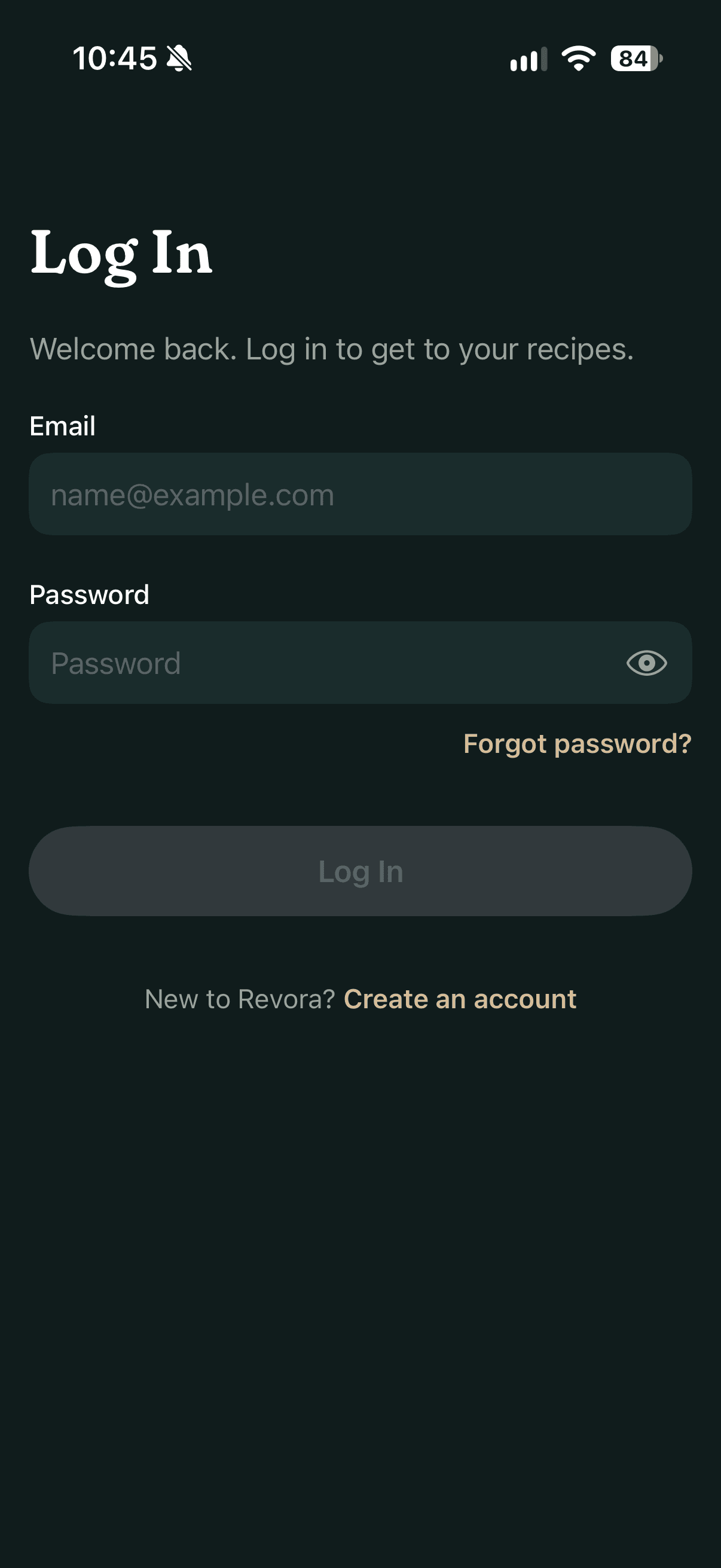
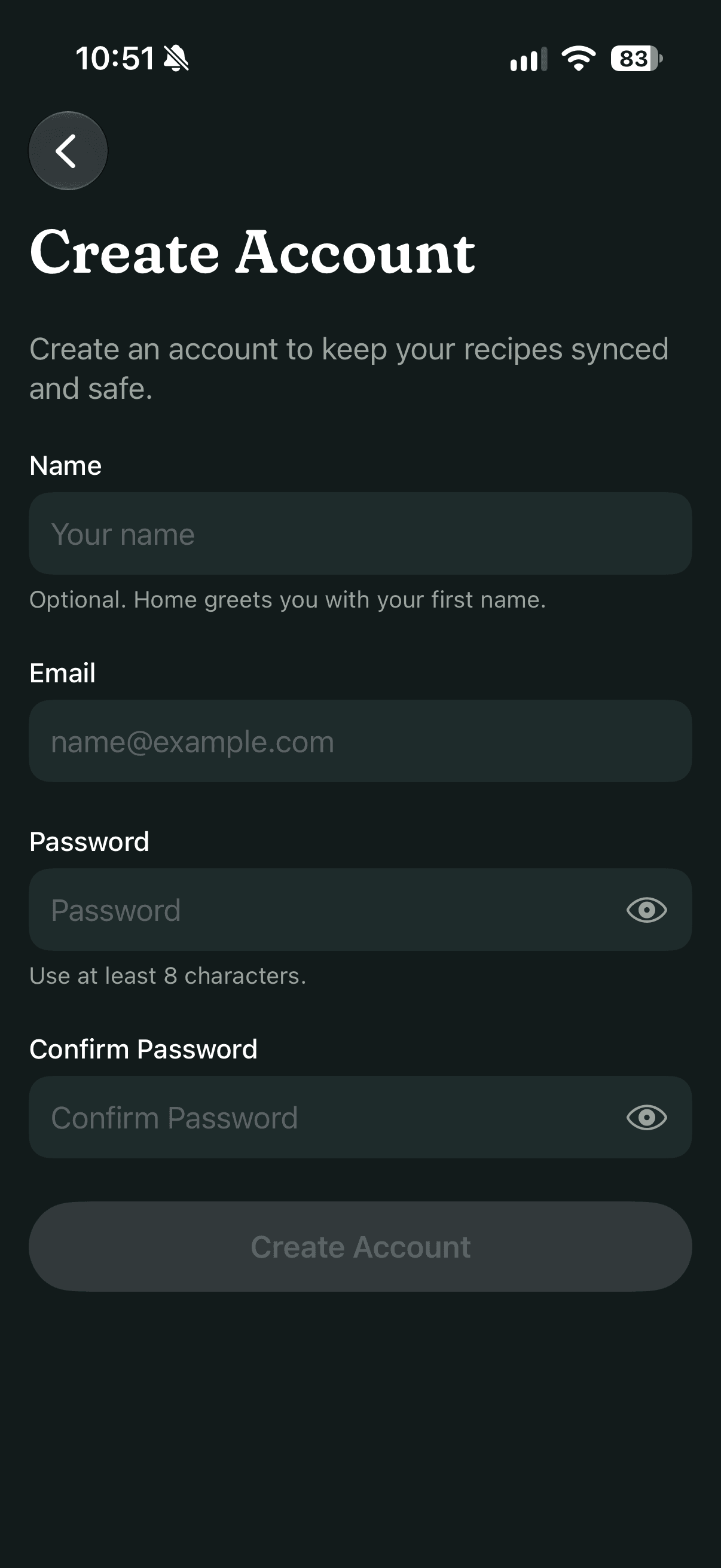
Six stops, in the order you'd meet them: from signing in to the setting that turns the whole app from light to dark. Try that one yourself with the switch at the bottom of the screen; every phone along the way follows it.
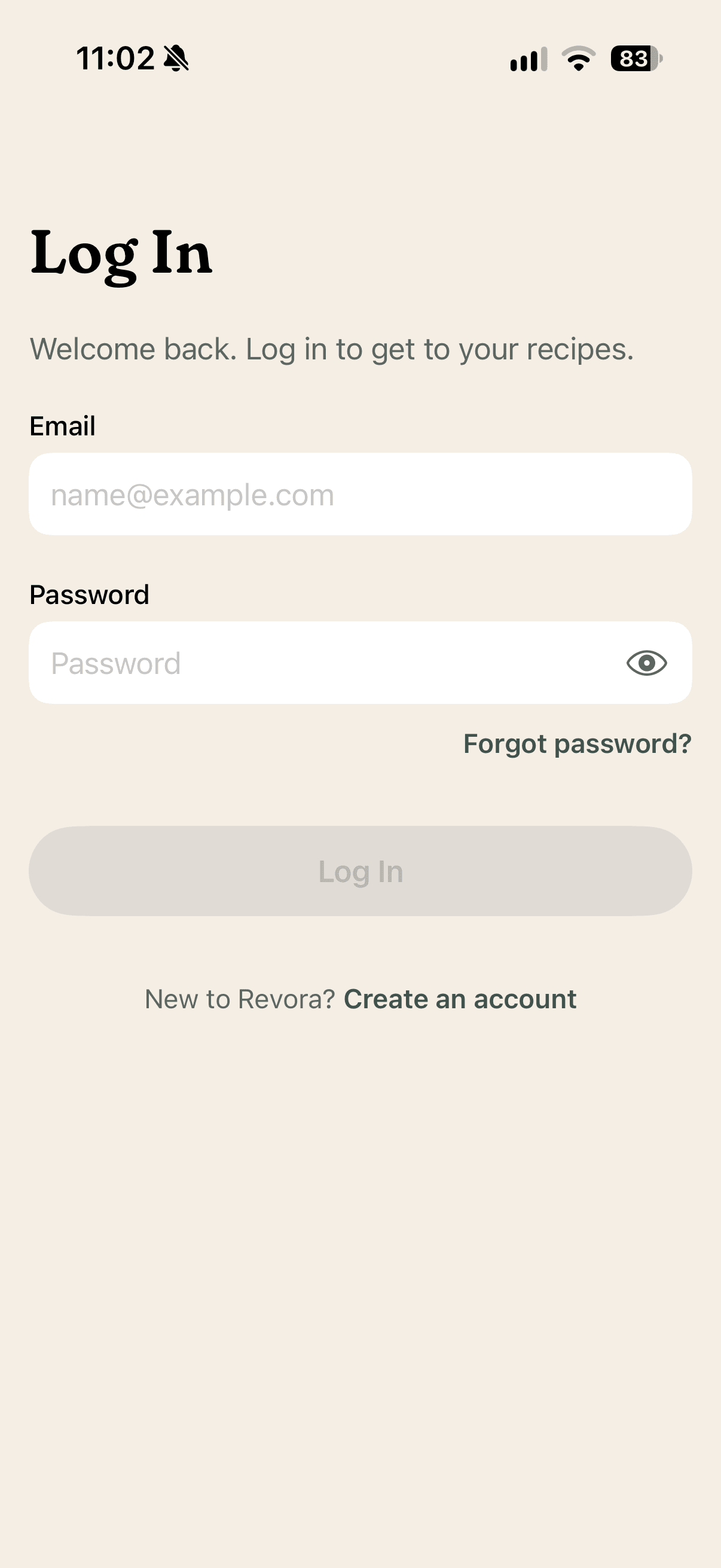
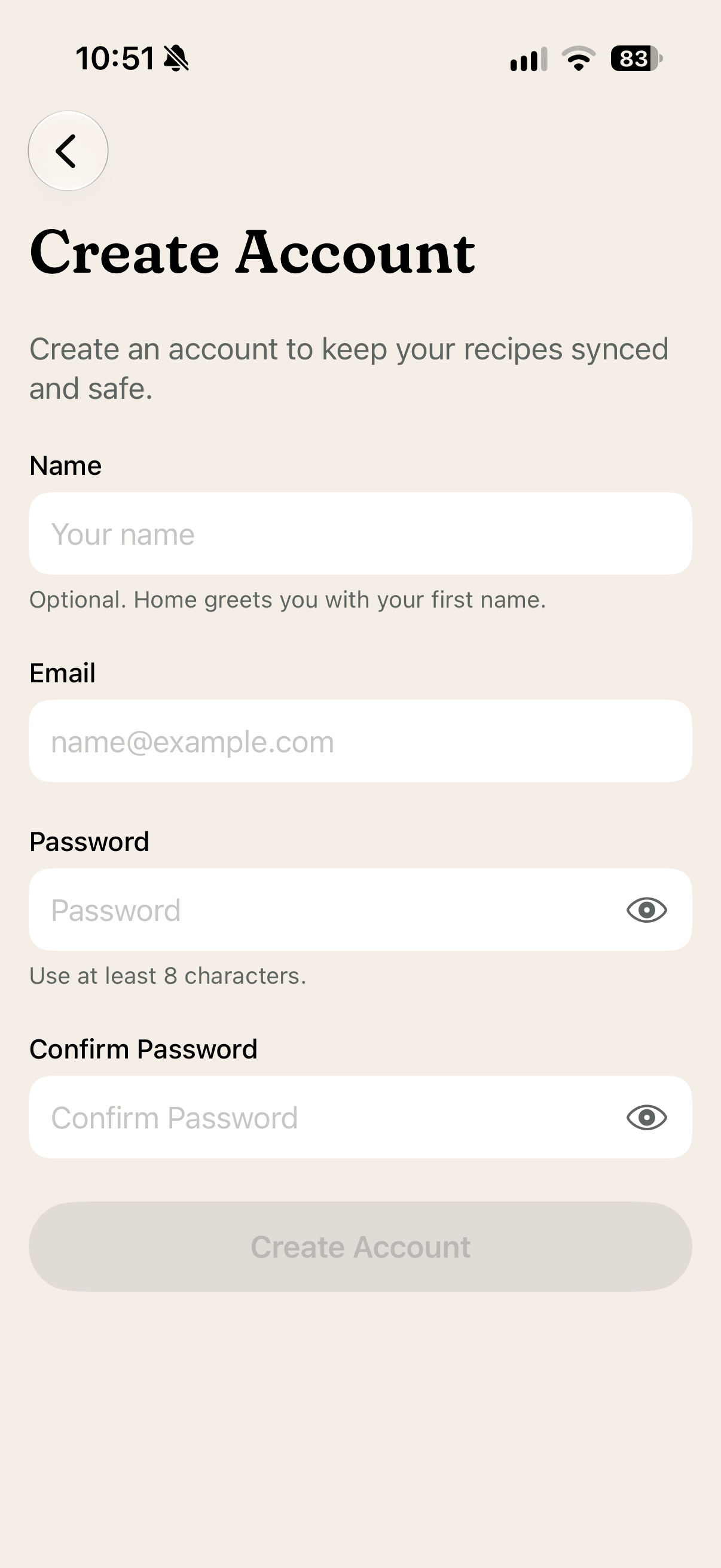
01 — Sign in
A quiet front door
An email and a password, and nothing else to set up. The name is optional, but Home uses it to greet you. Passwords need at least eight characters, and a forgotten one is a reset link away.
02 — Confirm
Then it waits for you
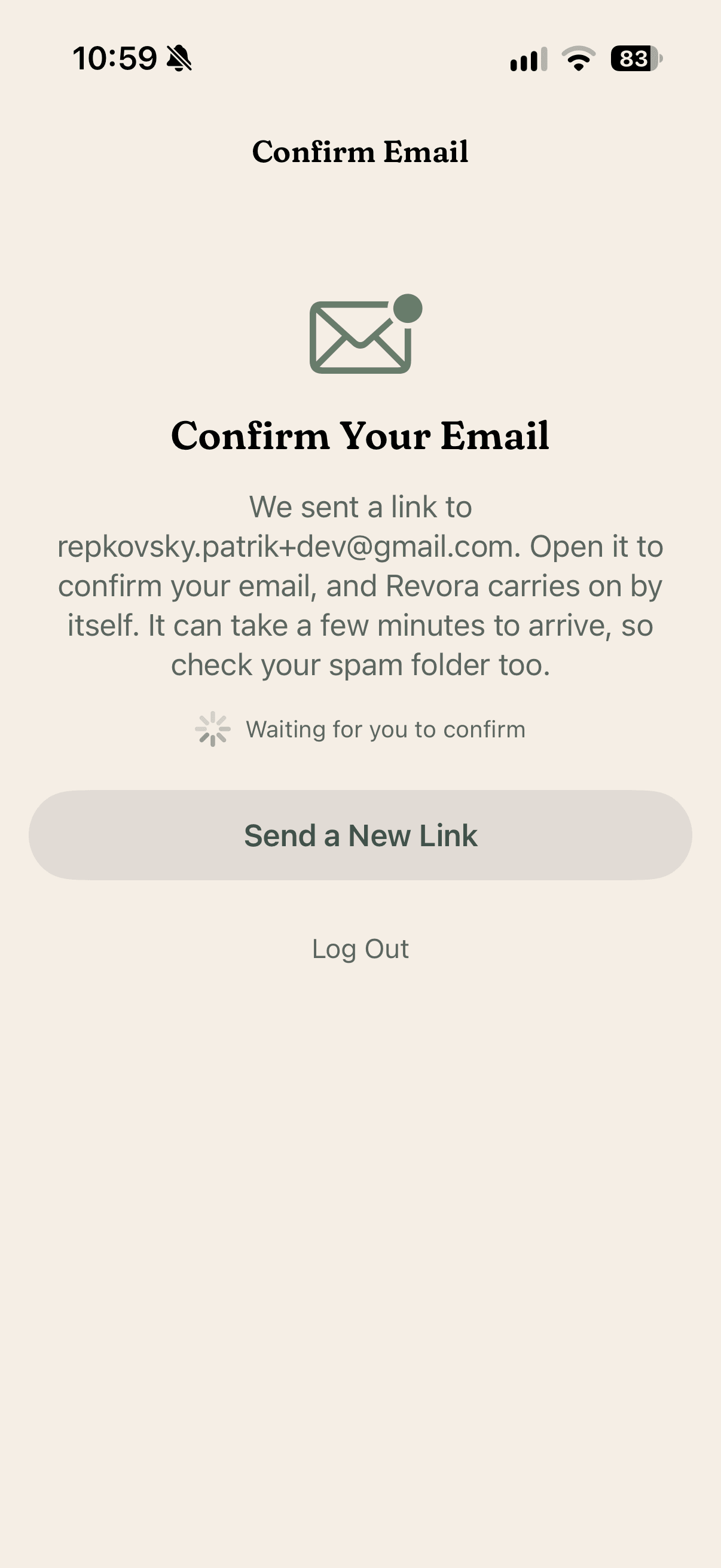
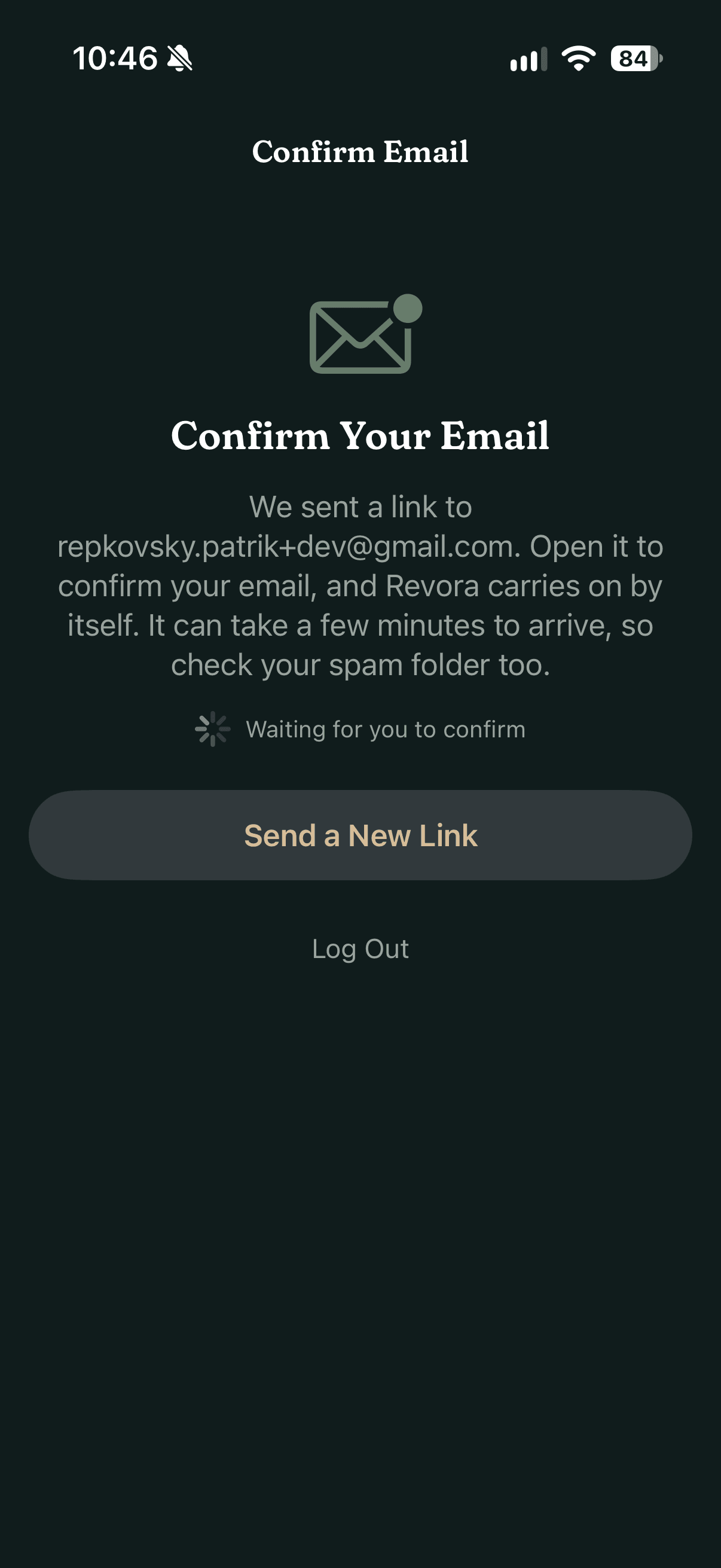
Before the app opens, Revora asks you to confirm your email, so your recipes are always tied to an address you can get back into. There's no button to press afterwards: it checks by itself and carries on as soon as you've opened the link.
03 — Home
A home that knows the time
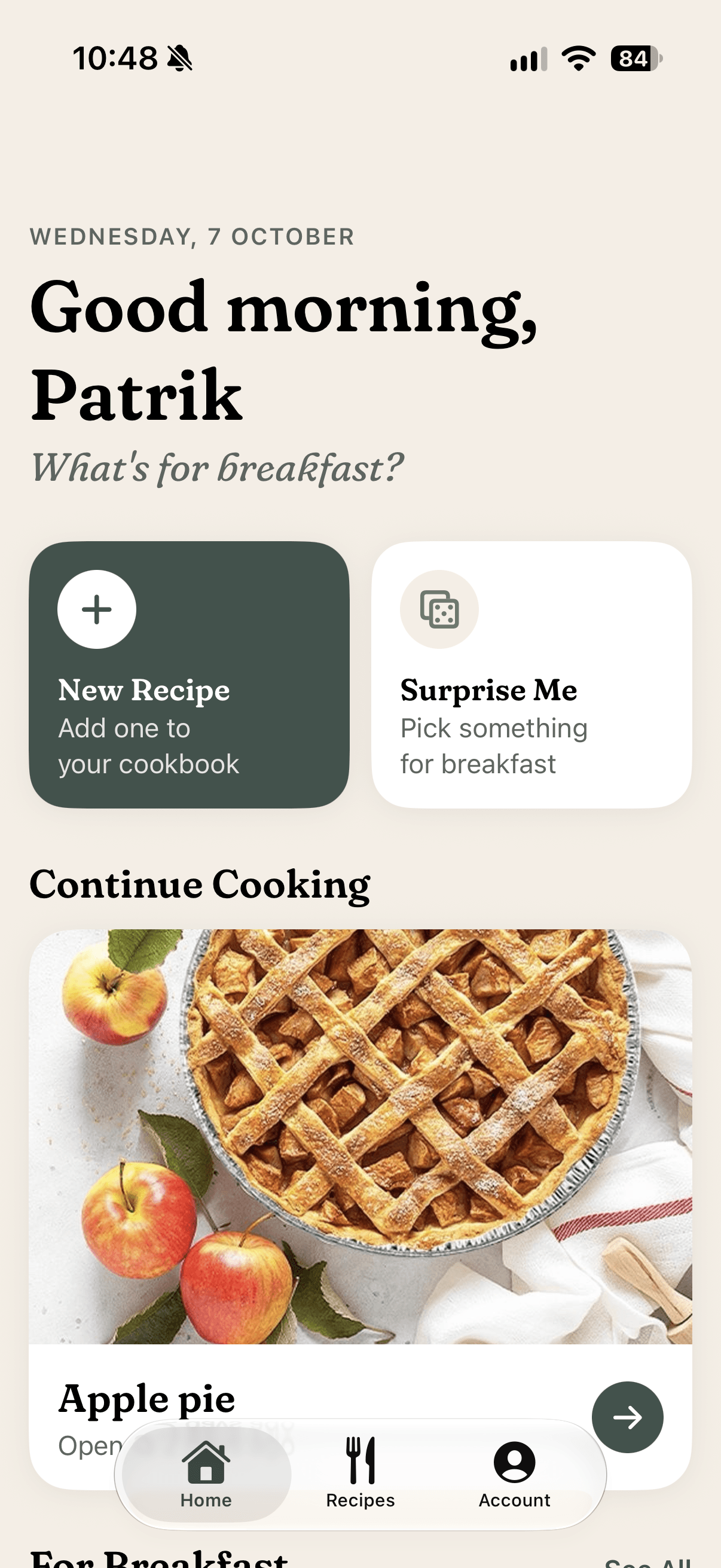
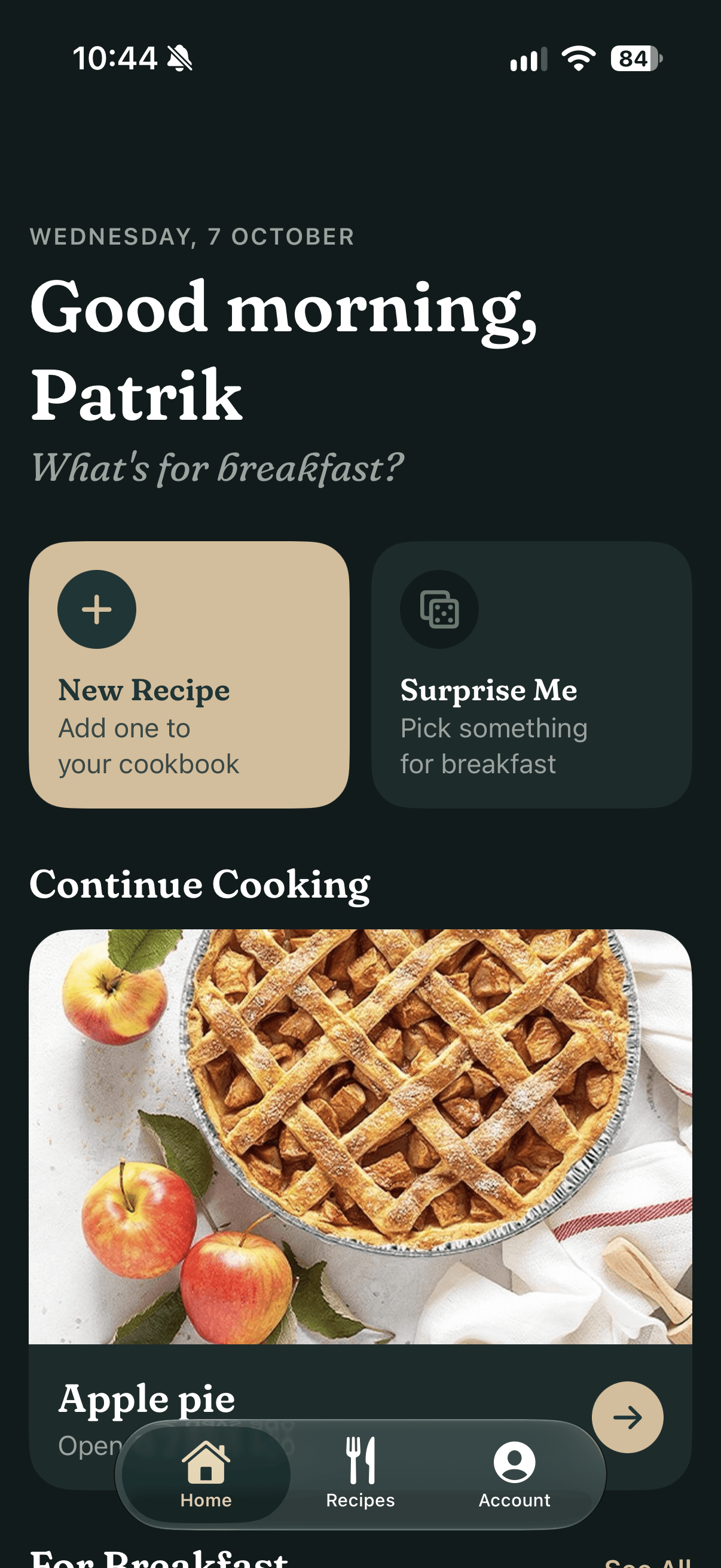
Home greets you for the time of day and asks what's next: breakfast in the morning, dinner in the evening. The recipe you opened last waits under Continue Cooking, and Surprise Me picks something when you can't decide.
04 — Scan
Snap it, check it
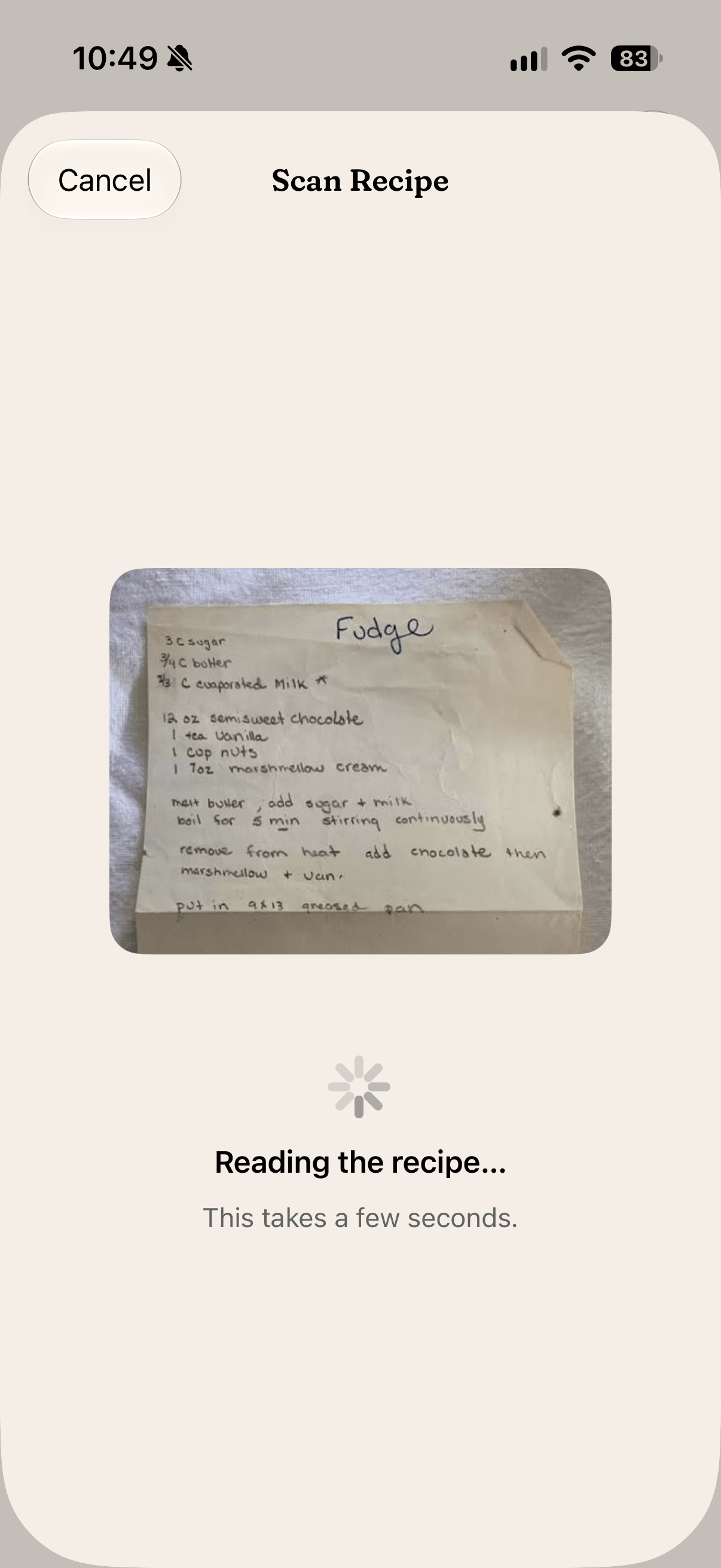
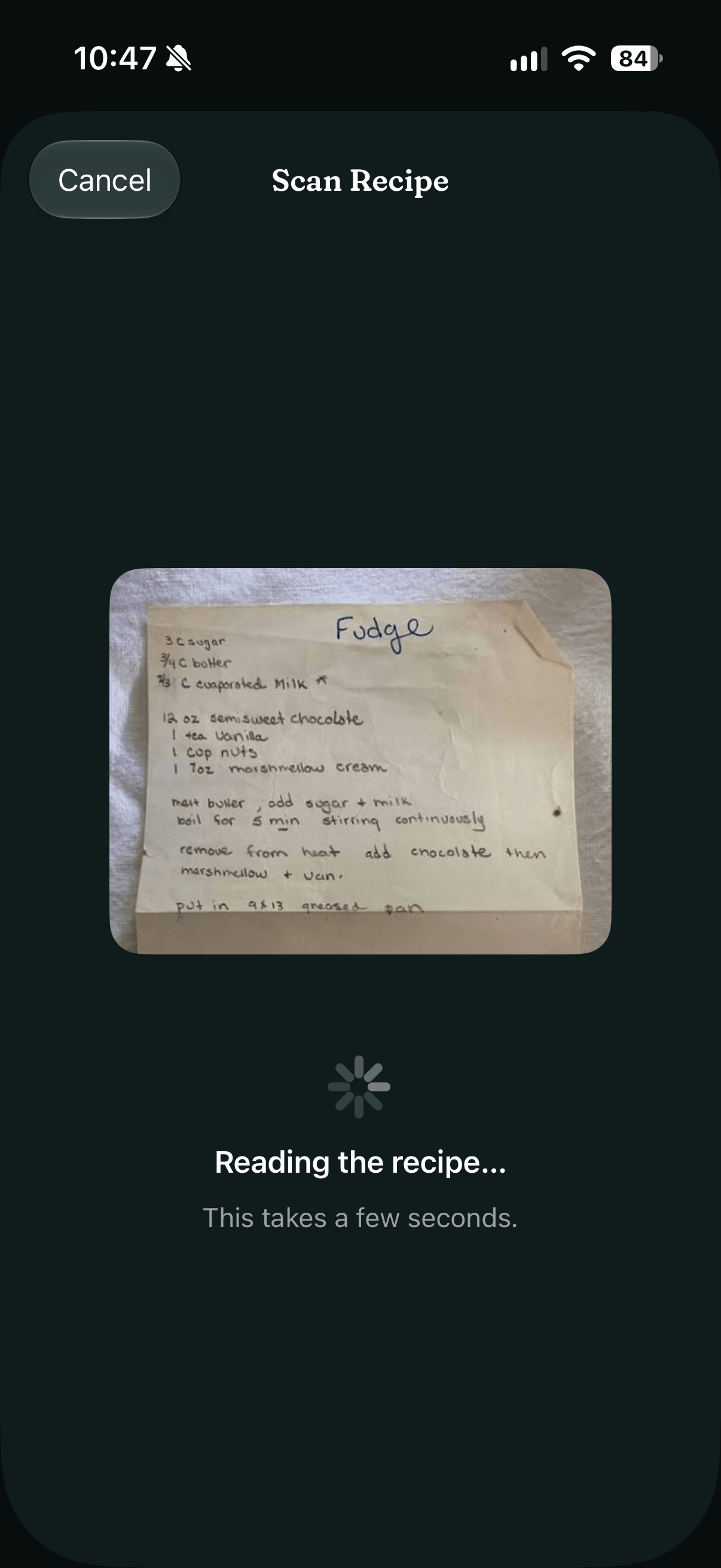
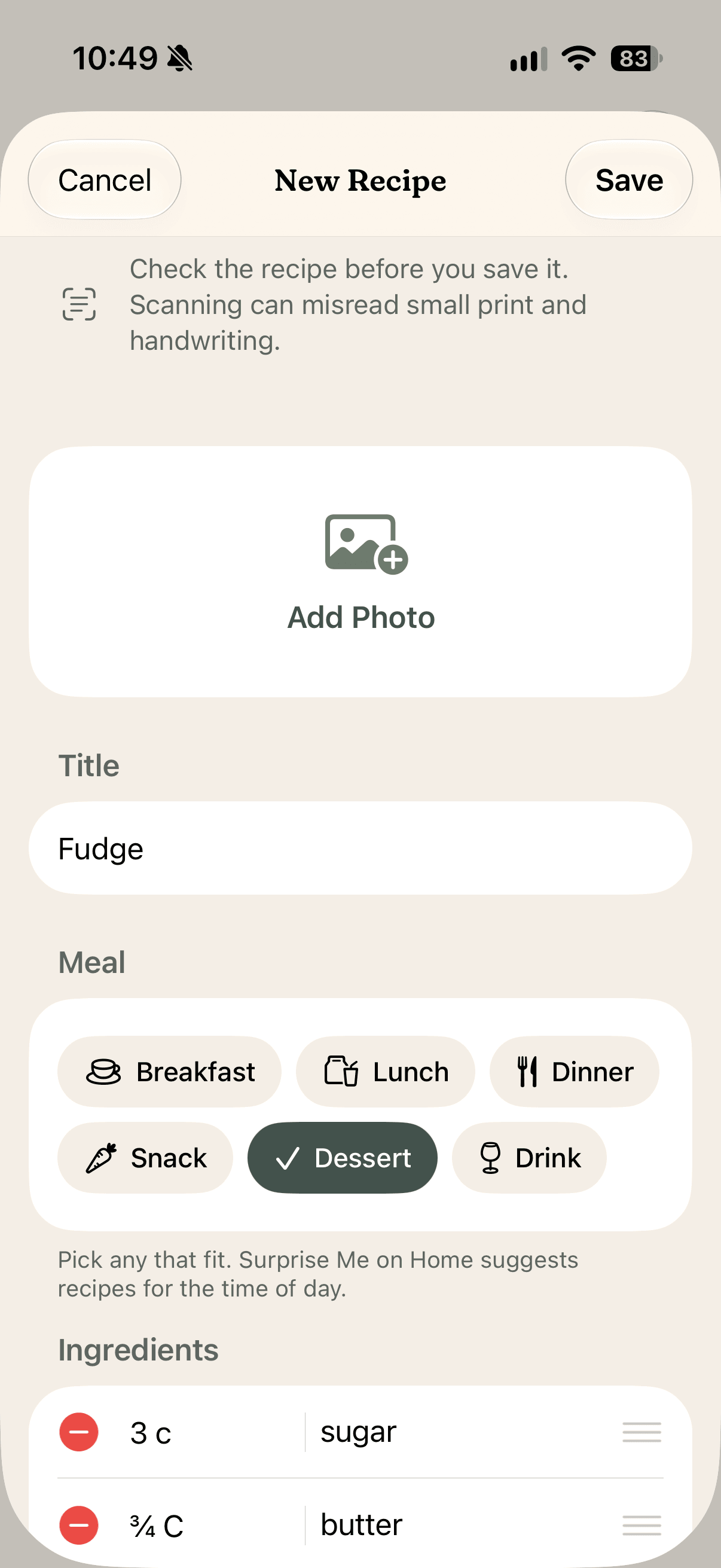
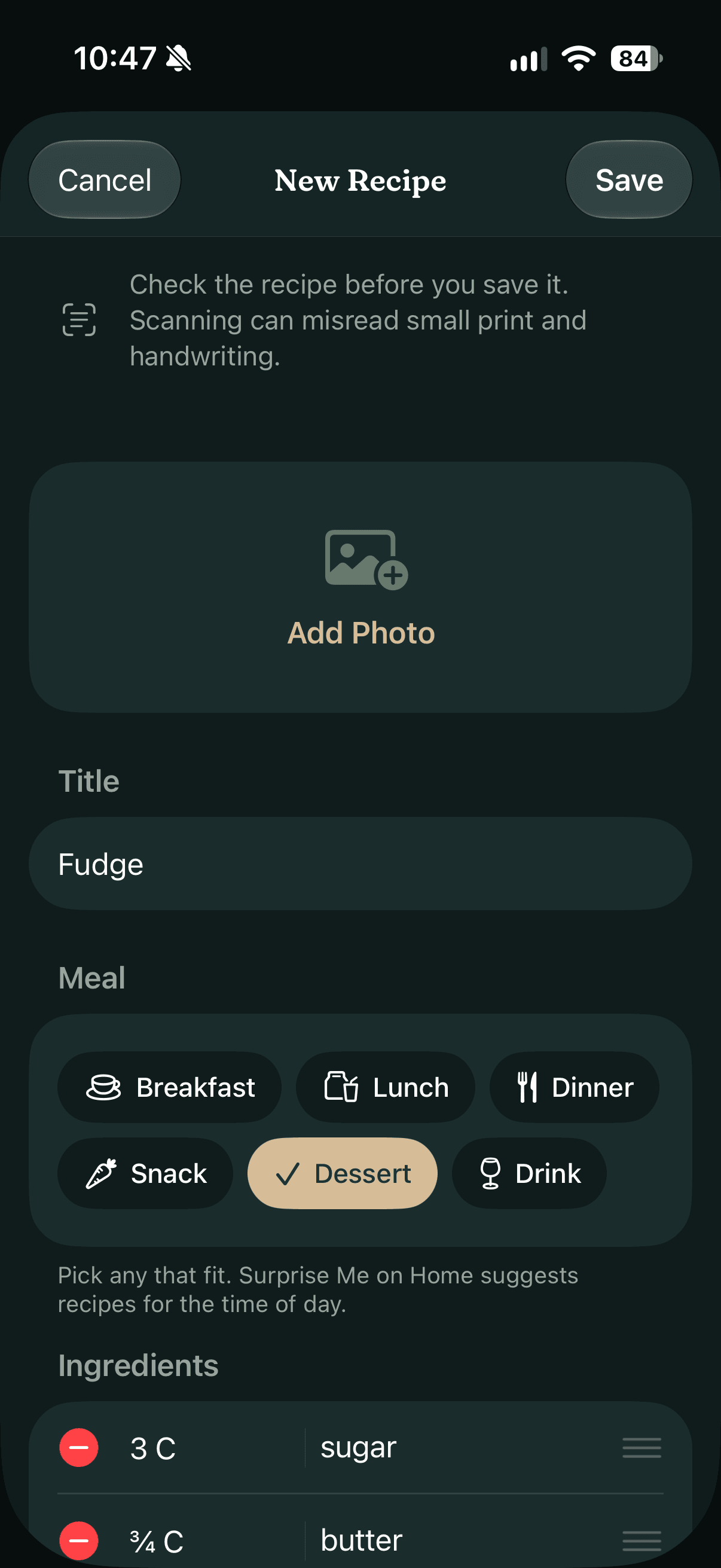
Got a recipe on paper? Photograph the page, or a handwritten card like this one, and Revora reads it for you. It comes back in the editor, filled in for you to check, since a scan can misread a quantity. It's the same editor you'd type a recipe into by hand: a cover photo, meal tags, ingredients and steps.
05 — Find
Everything within reach
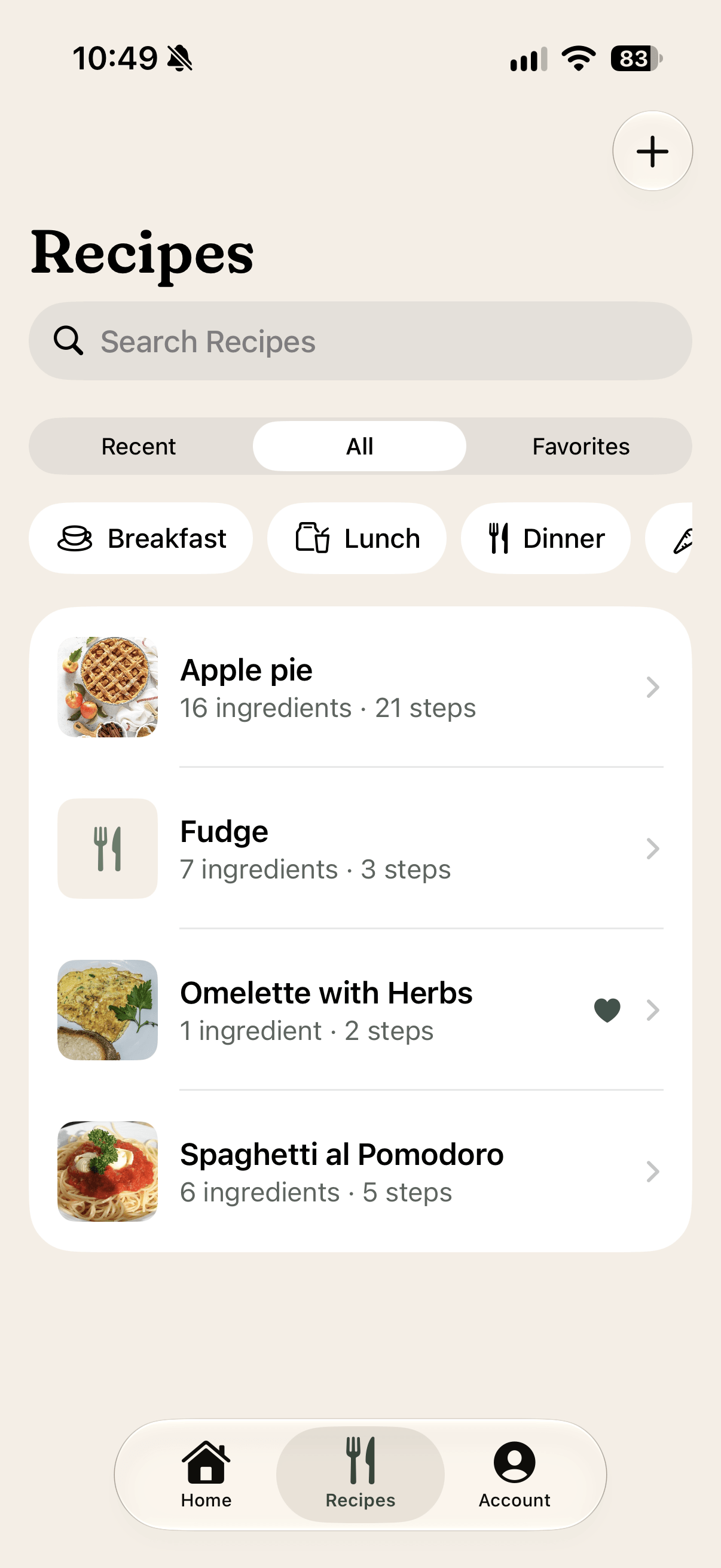
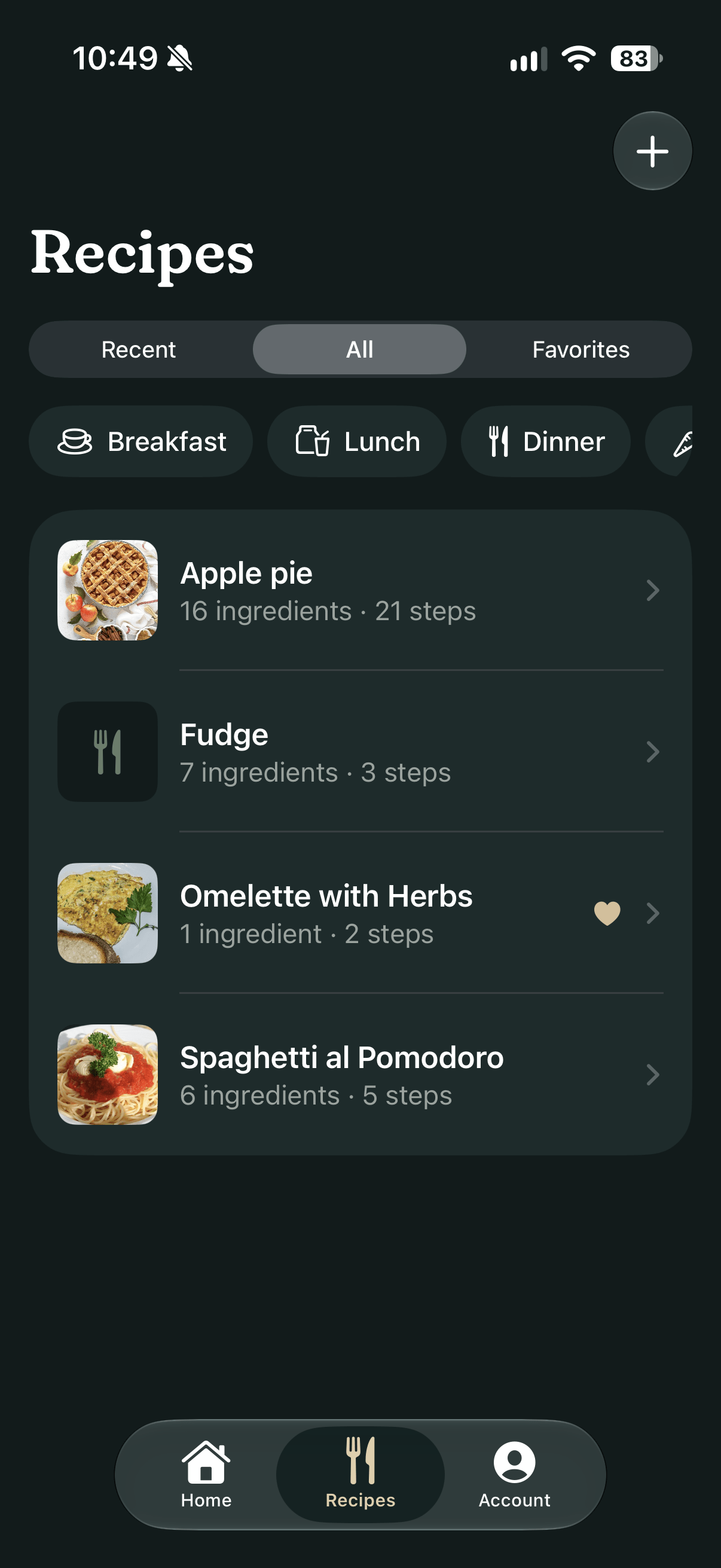
Every recipe in one list, A to Z, or just the ones you've opened lately, or your favorites. Meal chips narrow it to breakfast or dinner, search ignores accents and capitals, and a swipe adds a favorite.
06 — Make it yours
Yours to switch
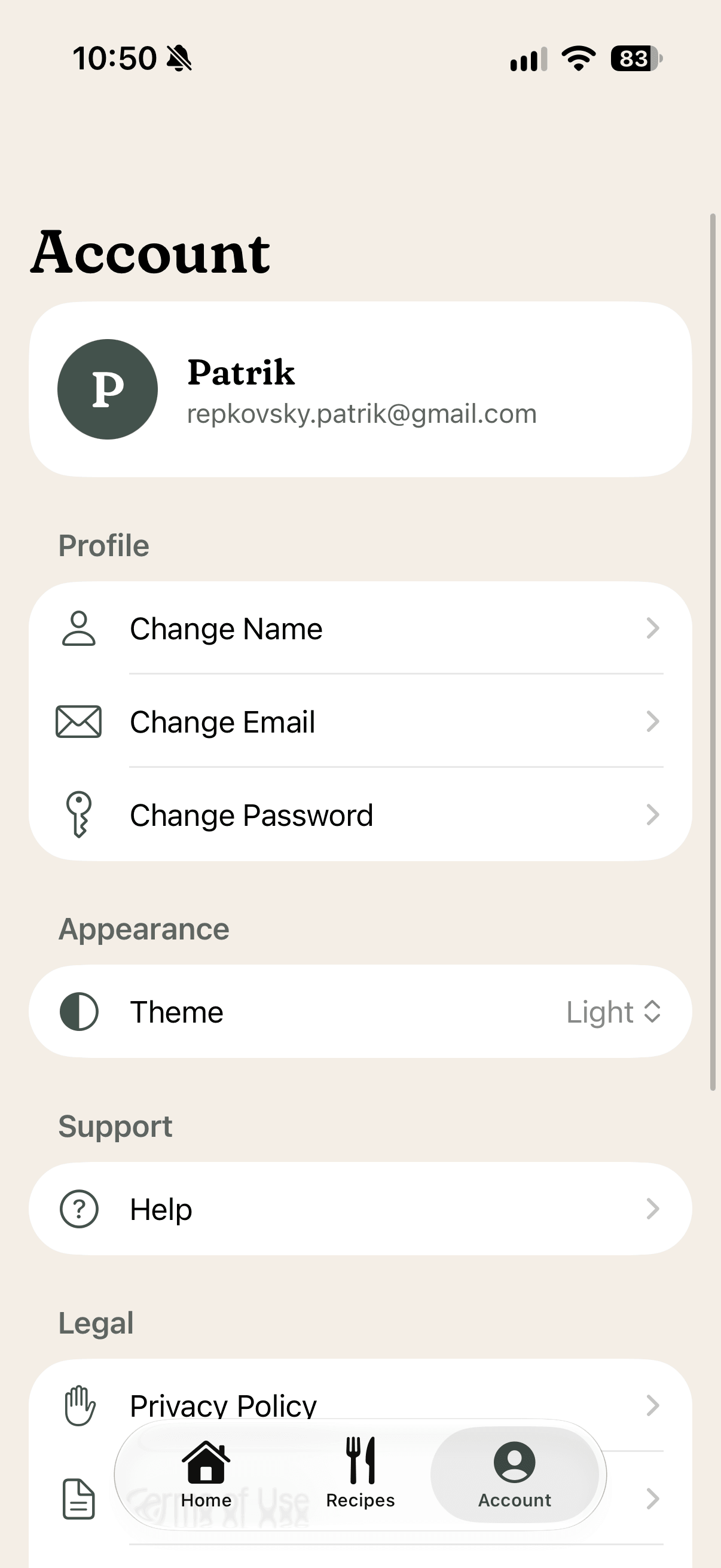
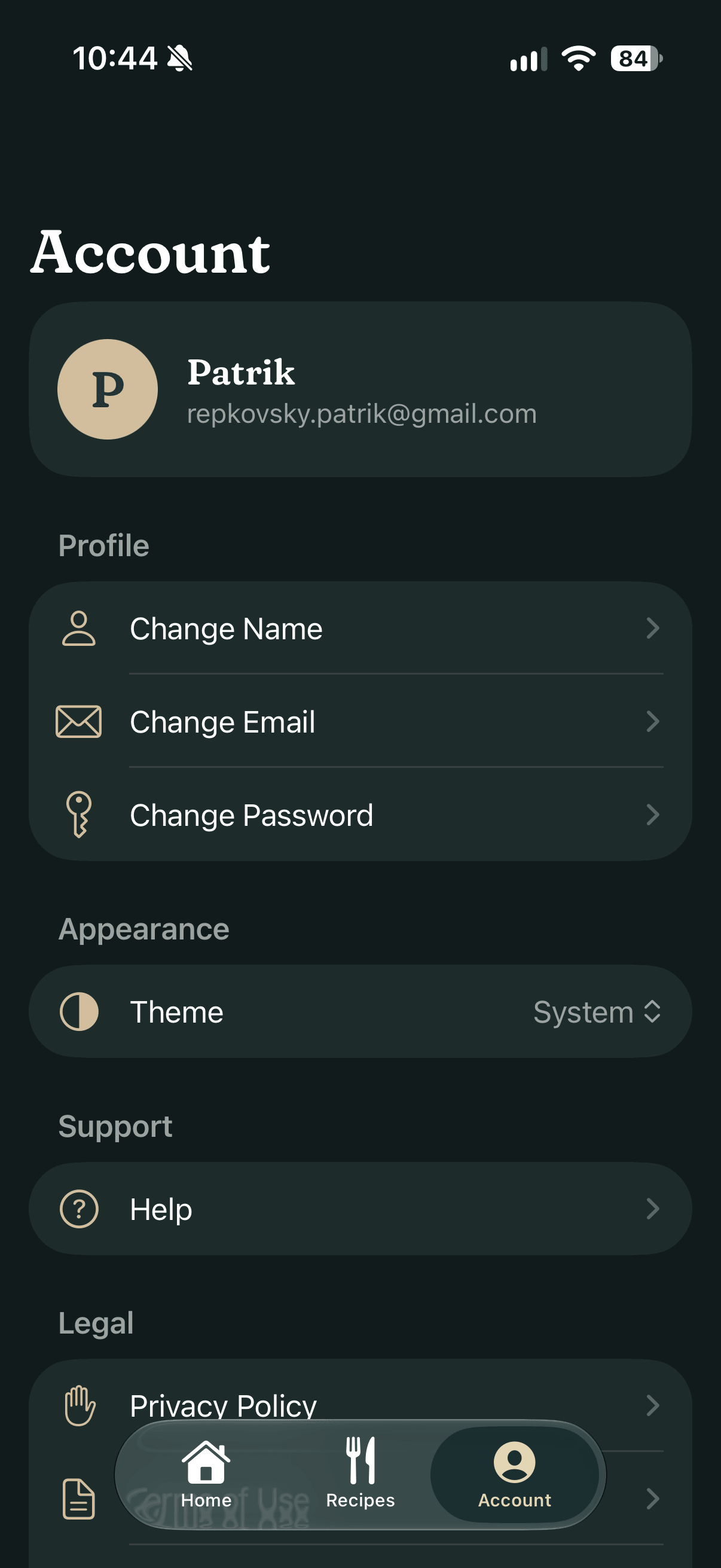
The account page holds your name, email and password, help and the legal pages. And under Appearance sits the same switch you've been flipping on this page: System, Light or Dark.
02 — Under the hood
Simple on the surface
Revora is written in Swift and SwiftUI, with Firebase keeping your account and recipes in sync between your iPhone and iPad. A few quiet decisions underneath keep it quick, private and dependable.
Scan with AI
The photo goes to a small Firebase function, which asks OpenAI to read the recipe and hands it back to the editor. The photo isn't kept, and nothing is saved until you tap Save.
Works offline
Recipes save to the phone first and sync to Firebase in the background, so a kitchen with patchy Wi-Fi is no problem.
Private by design
Each recipe belongs to your account, and nobody else can open it. Photos are shrunk on your phone and lose their location before they're uploaded.
No ads, no tracking — delete your account and your recipes go with it